Plan your meals. Simplify your shopping.
Create a personalized meal plan or build your own, schedule your meals on a calendar, and generate a shopping list organized by aisle.


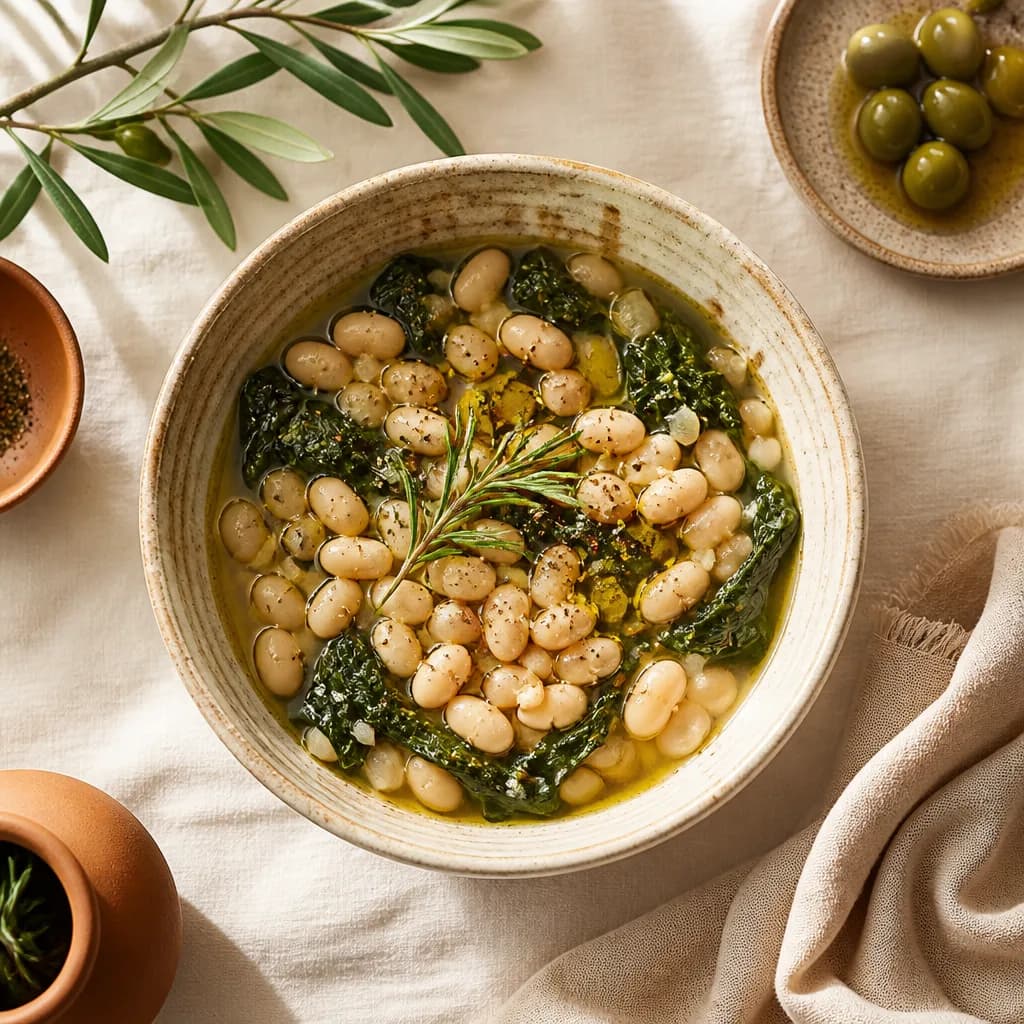



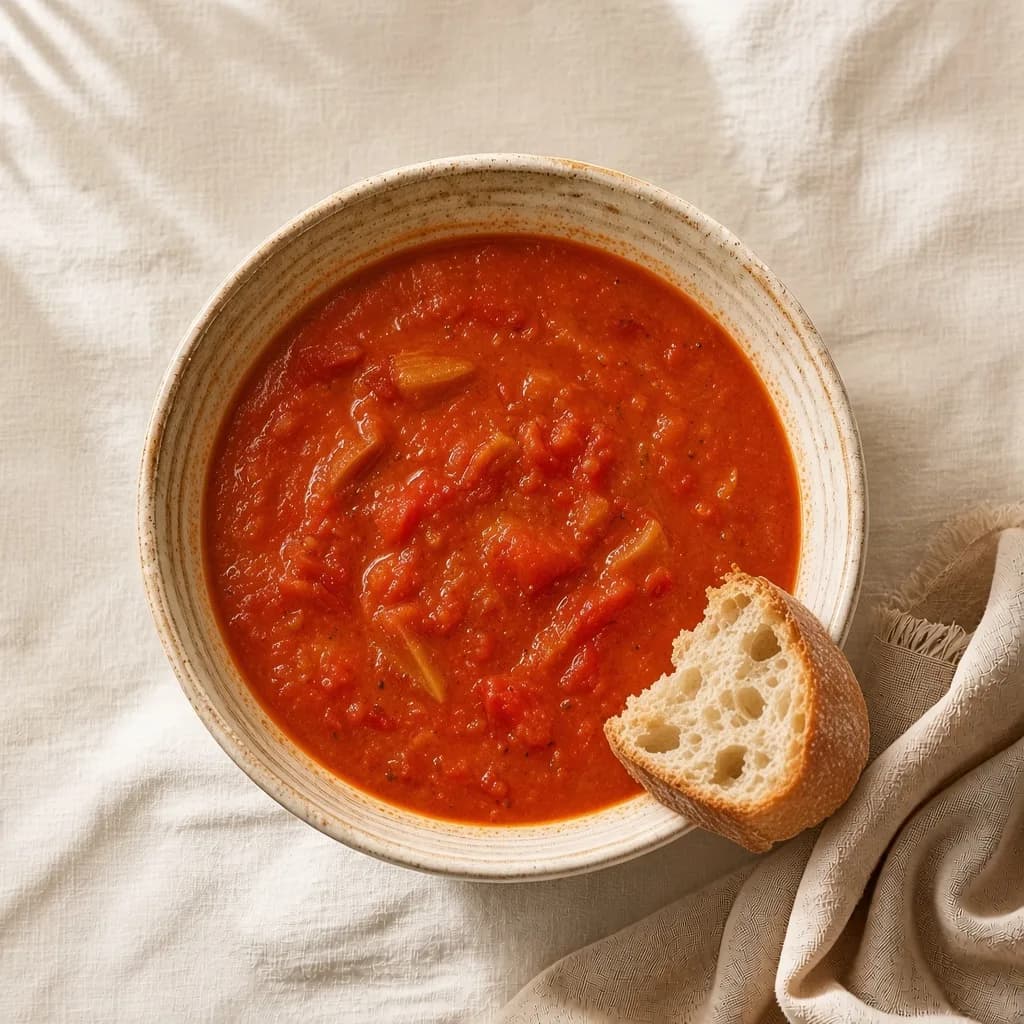
An example. Yours will look different.
Create a meal plan that fits your routine
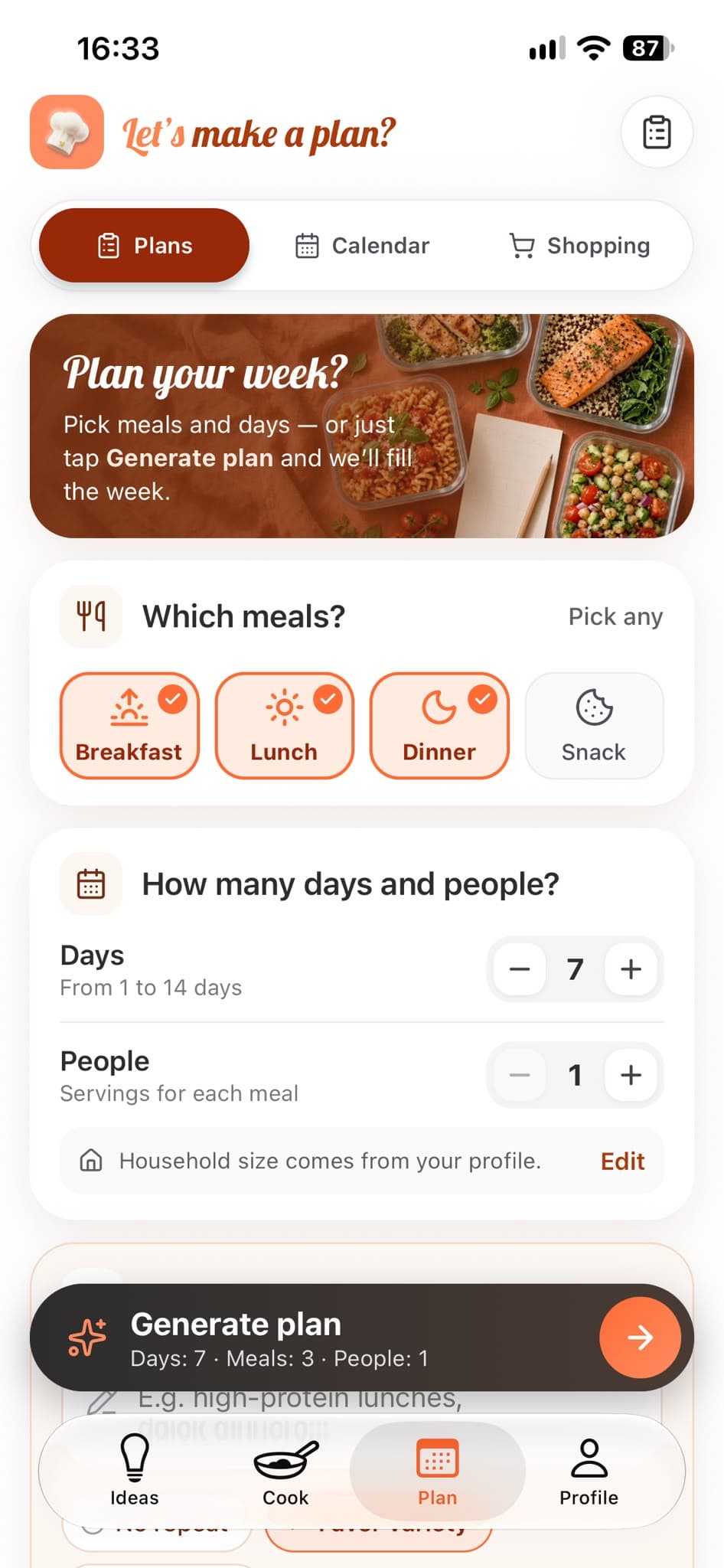
Choose the meals, how many days, and how many people. Skip repeats, ask for variety, or cook from the pantry. Leave a note, such as high-protein lunches or quick dinners, and refine by diet, calories, or price. Generate, and the app checks recipes you already have, fills the gaps, and balances the week.
Reuse a meal plan or build your own
Plans you make stay in a list. Open one, drop it on the calendar, or start from an empty week and fill the days yourself. A published plan stays as it is. Duplicate it when you want to change it.
- Apply a plan from a start date
- Keep meals already on the calendar, or replace them
- Duplicate a published plan to edit it
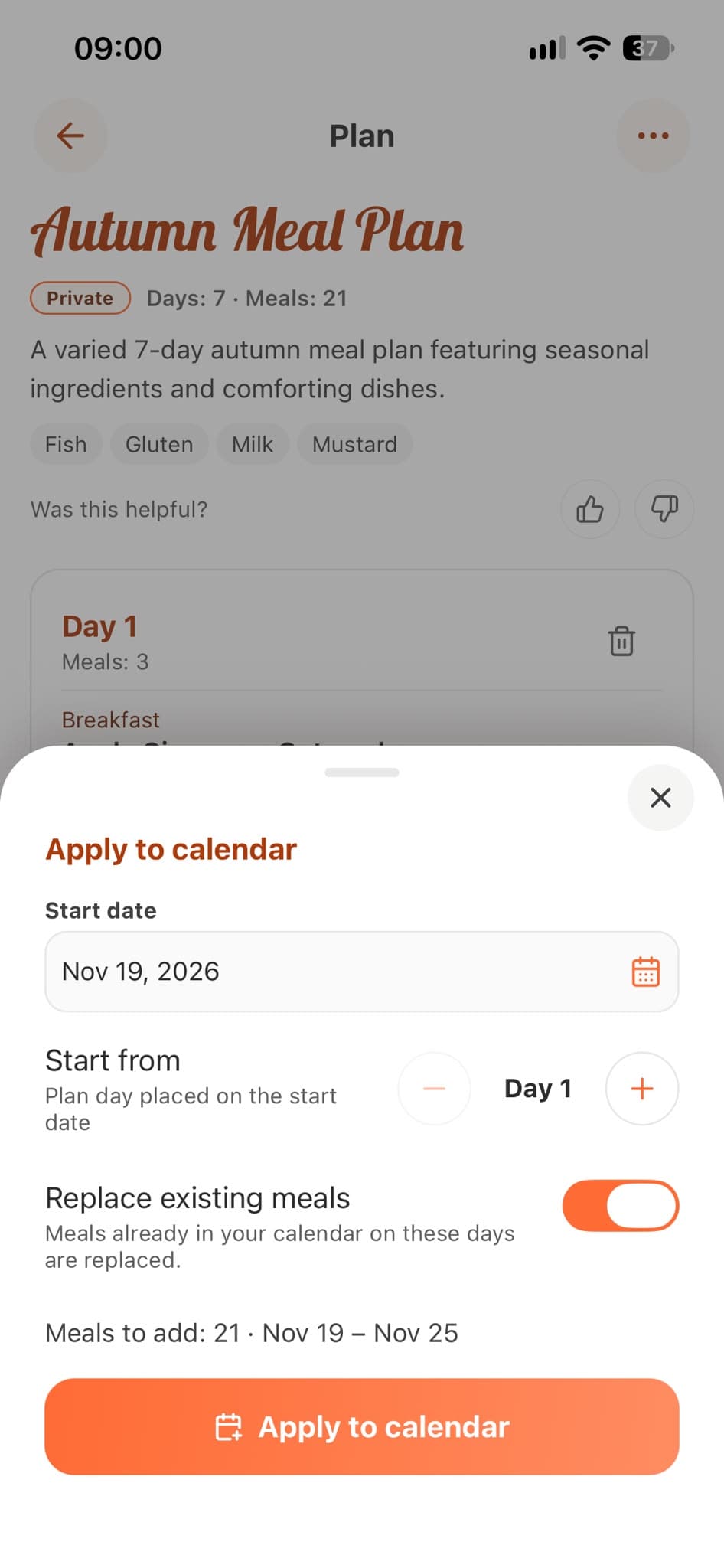
The plan checks the recipes you already have and fills the gaps, and the list follows the meals.
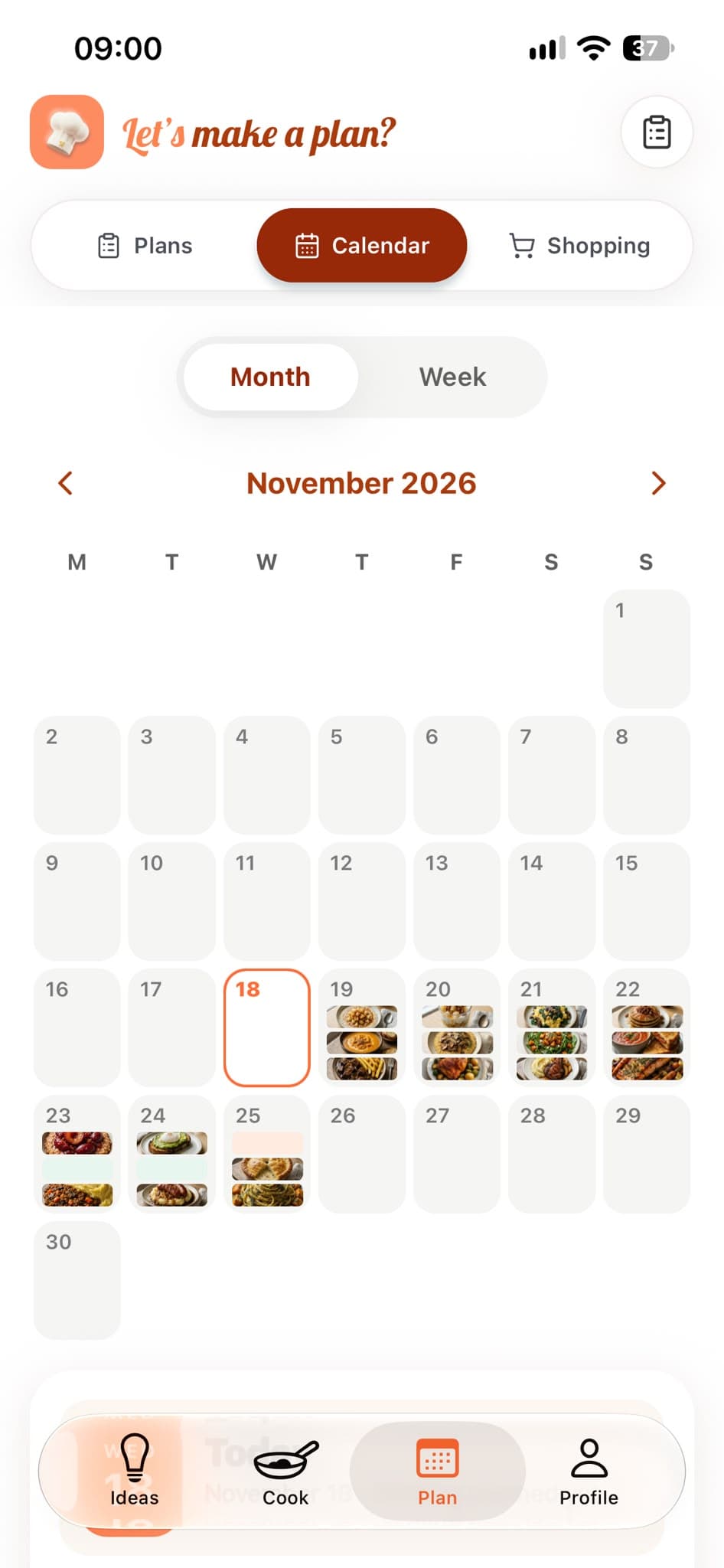
Organize your meals on a calendar
See what's scheduled, by day and by meal. Add a recipe to an empty slot, clear a day, or send that day's meals to a shopping list. The week can start on Monday or Sunday.
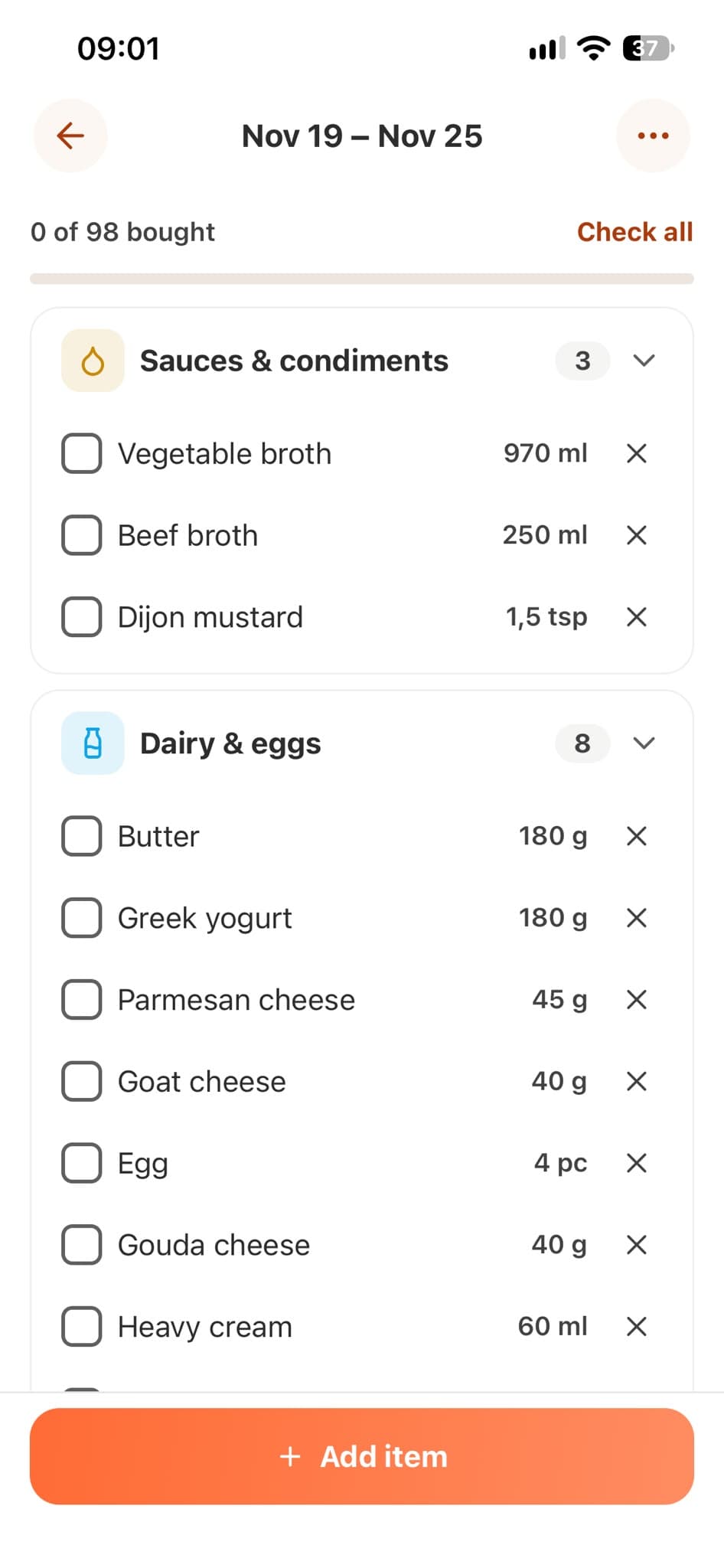
Turn your meals into a shopping list
Generate a list from the calendar, from a plan, or from recipes you pick. Items land in aisles, from fruit and vegetables to dairy and the pantry, with a quantity and a note when you need one. Check them off as they go in the basket, and share the list.