Your recipes in one place. Guidance at every step.
Save your own recipes or discover new favorites. When it’s time to cook, follow clear steps with built-in timers, voice controls and help along the way.
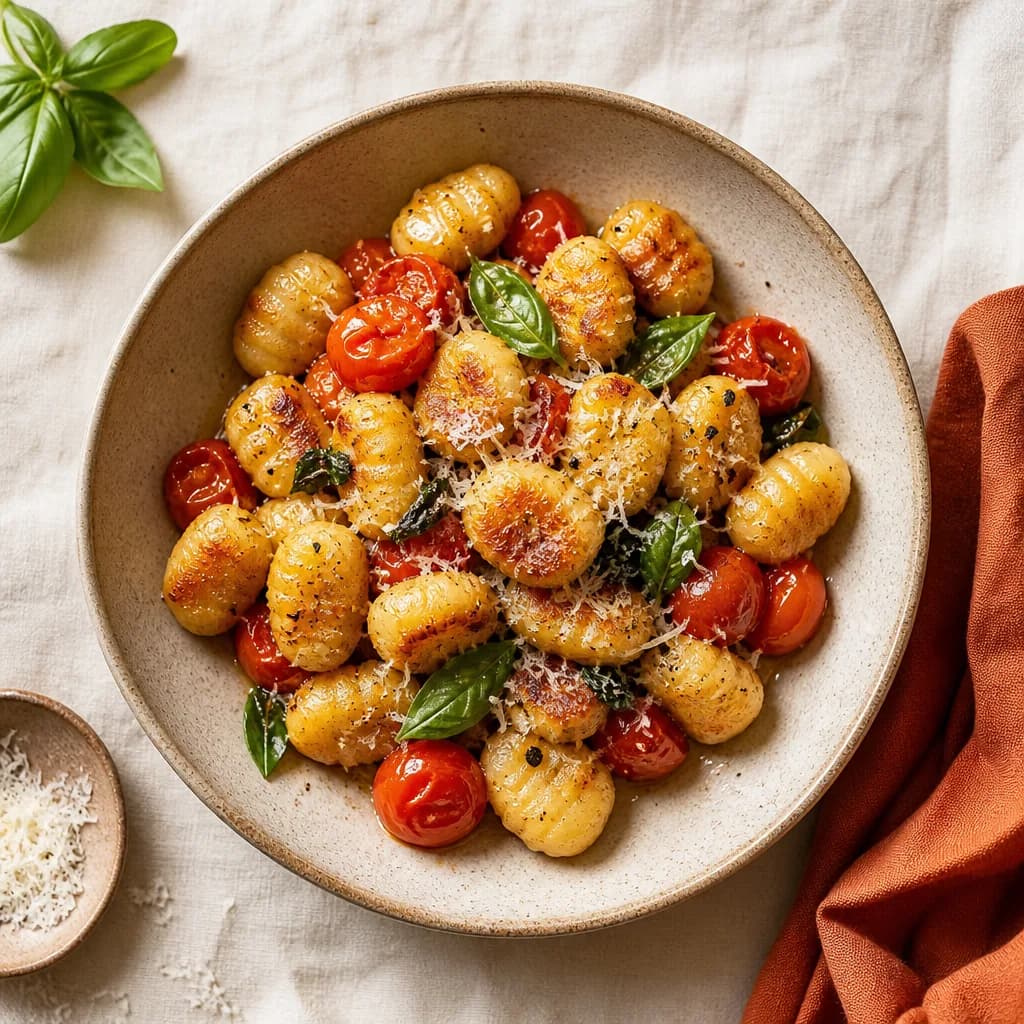
An example. Yours will look different.
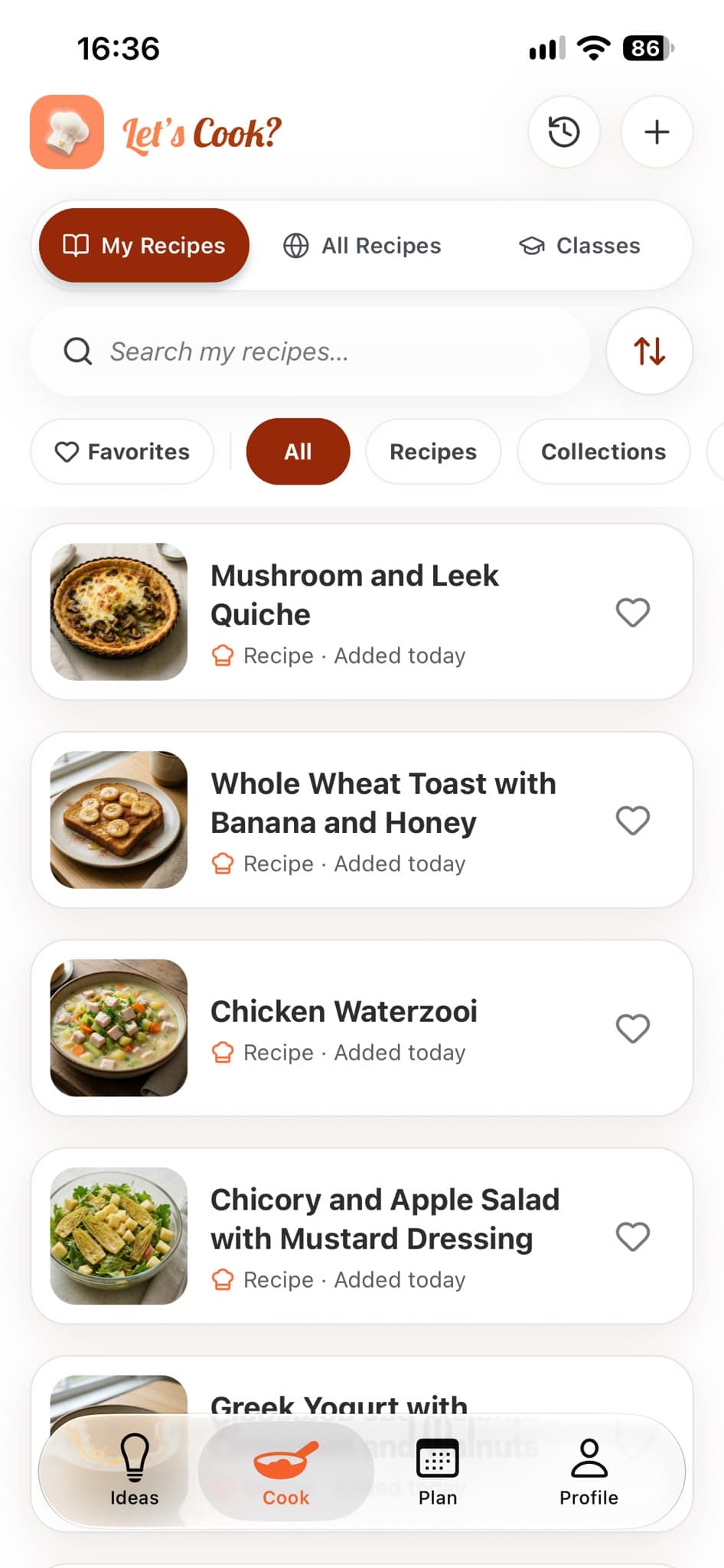
Keep your recipes organized
Recipes, collections, and meal plans sit in one library. Search your own shelf, mark a favorite, and sort by what you added last, by name, or by favorites.
- Recipes, collections, and plans
- Search and favorites
- A paused session stays one tap away
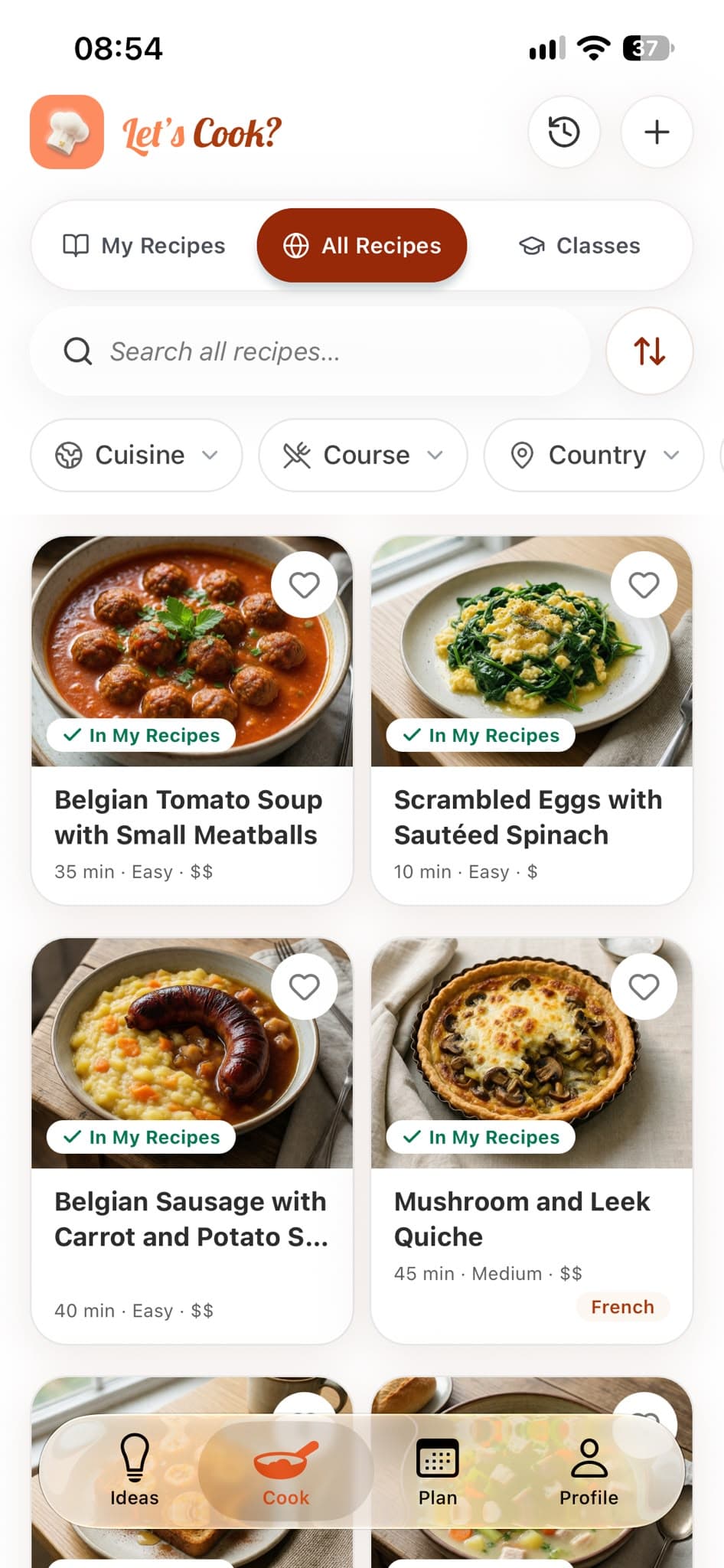
Explore the recipe catalog
Browse every recipe in the app. Narrow the list by country, cuisine, diet, or price tier, then sort by what's recent, popular, trending, or top rated.
Each step stands on its own, with its timer and its ingredients, so you never hunt for your place with floury hands.
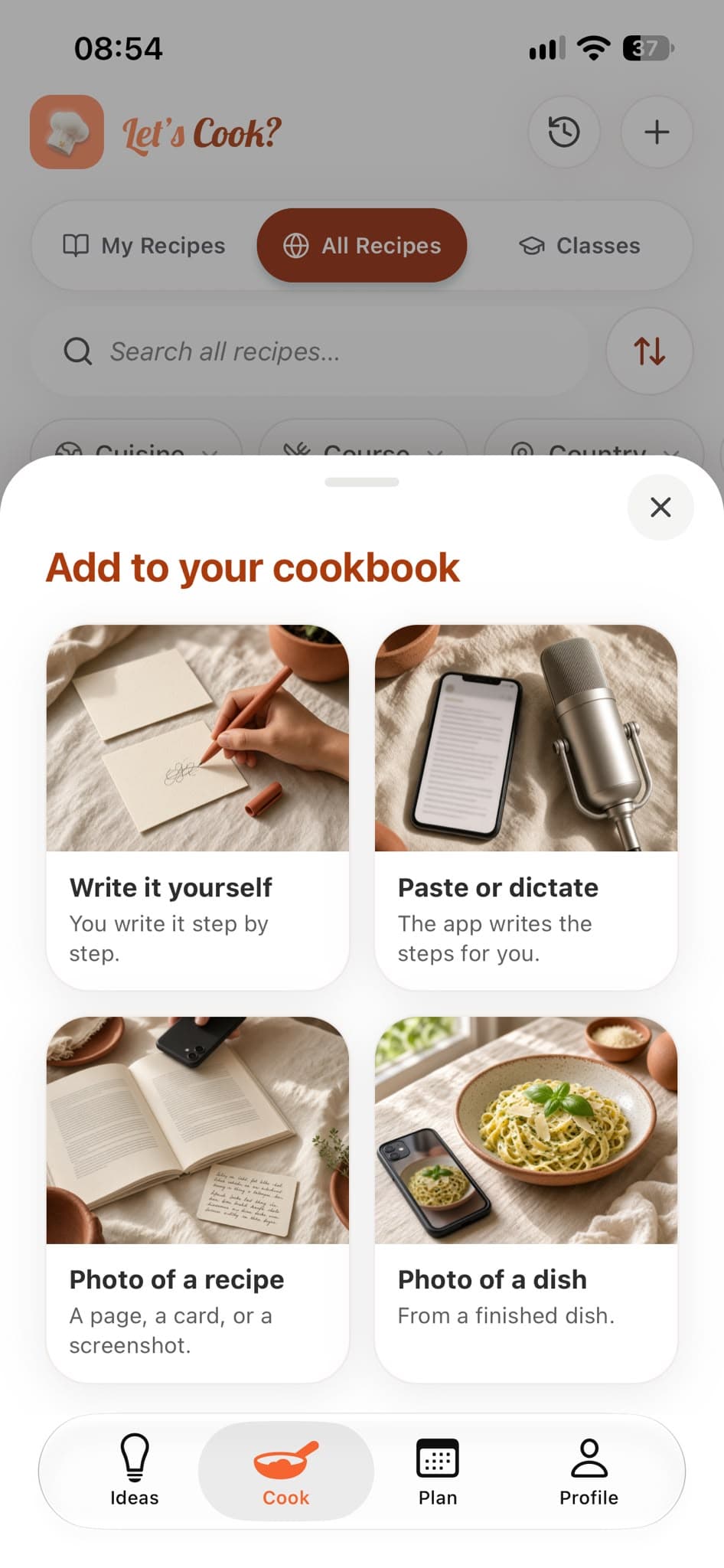
Add your own recipes
Add to your cookbook the way you already have the recipe.
- Write the steps yourself
- Paste the text, or dictate it, and the app writes the steps
- Photograph a page, a card, or a screenshot
- Photograph the finished dish
- Group recipes you love into a collection
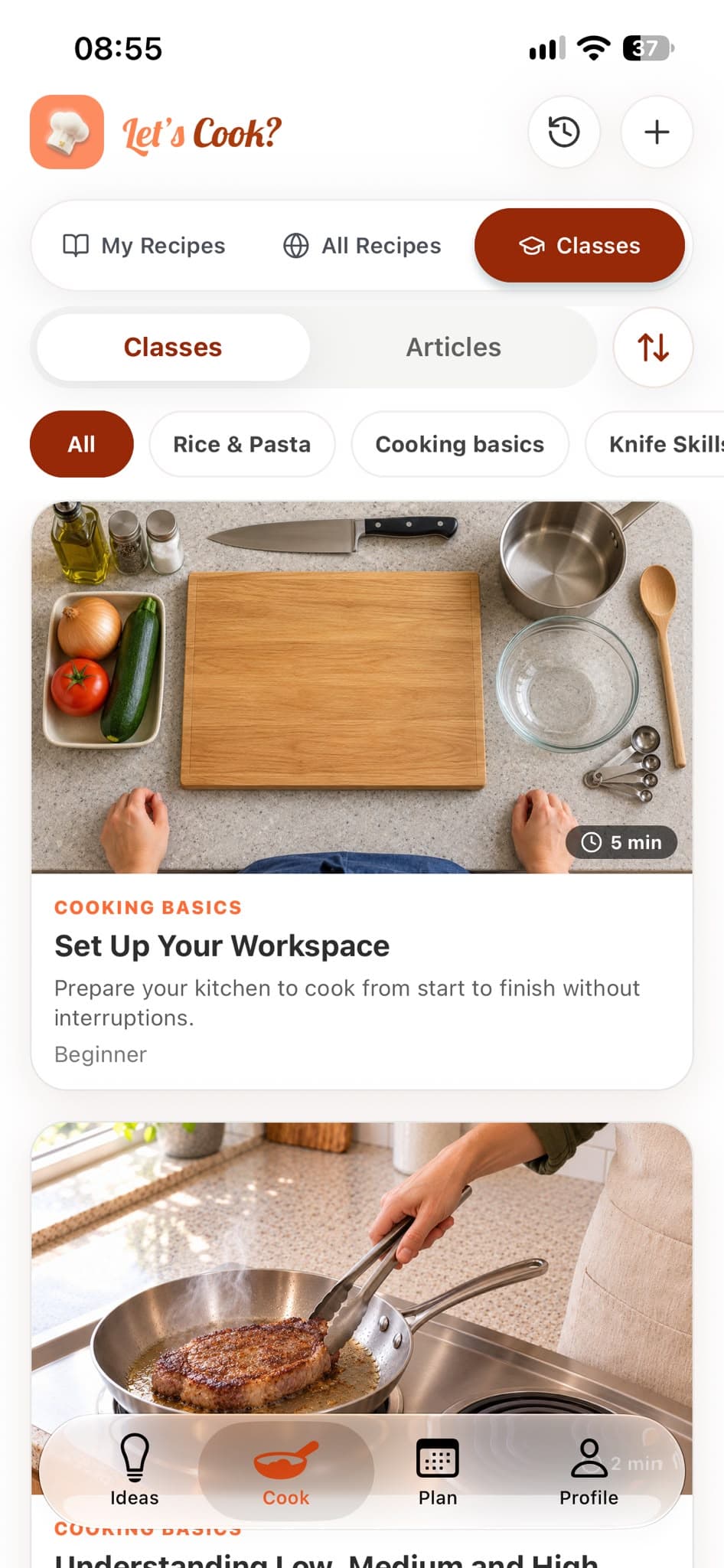
Learn with cooking classes and articles
Cooking classes and articles share this part of the tab. A class shows its level and its length, and one you started stays under continue watching.
Cook with step-by-step guidance
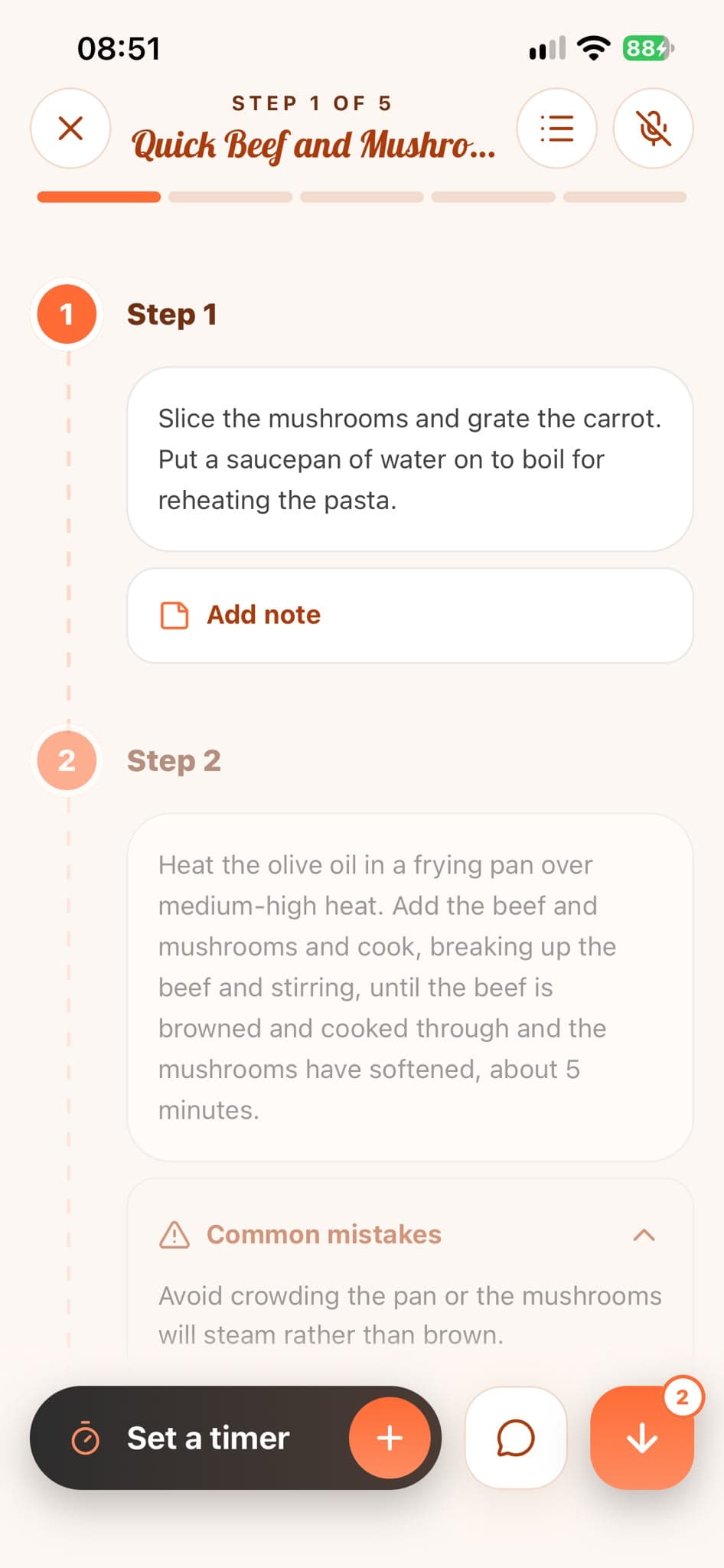
Start cooking and the recipe becomes a session. Each step stands on its own, with a timer, a note, and the ingredients when you need them. Ask the cook assistant if a step goes sideways. When your hands are full, short voice commands move the step, read it aloud, and run the timer. Finished and abandoned sessions stay in your cooking history.