Meal ideas that fit what you have and what you love.
Tell Chefalia what you're craving, add your ingredients, or scan your fridge. Get three dish suggestions tailored to your preferences, then pick one for a full recipe.
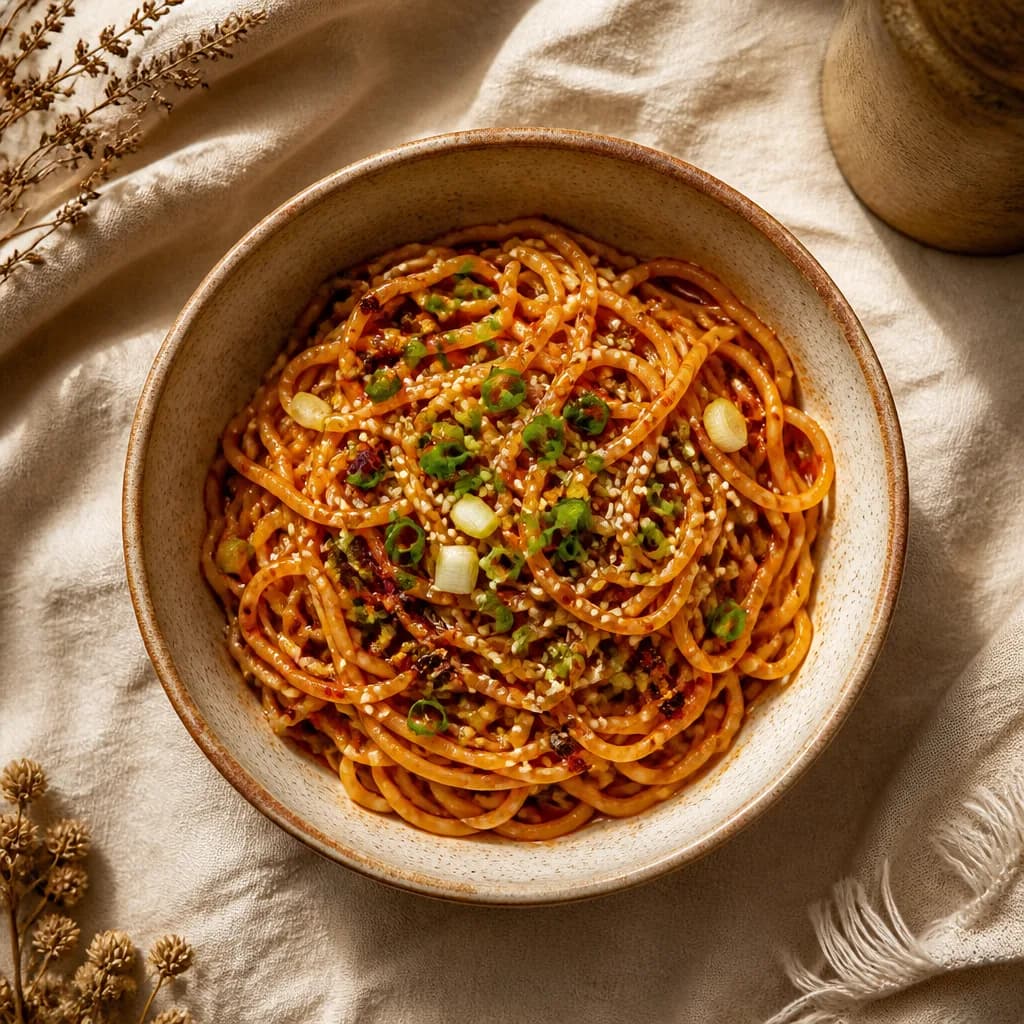

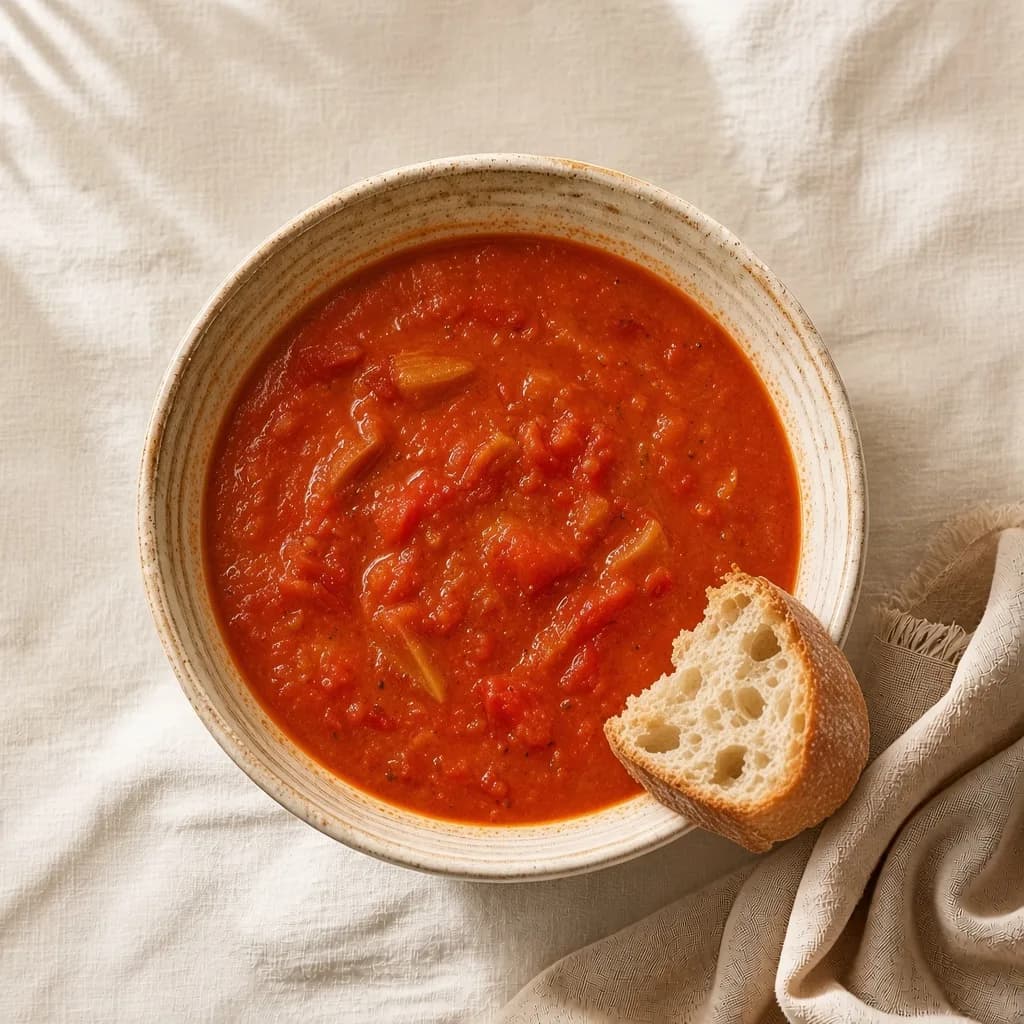
An example. Yours will look different.
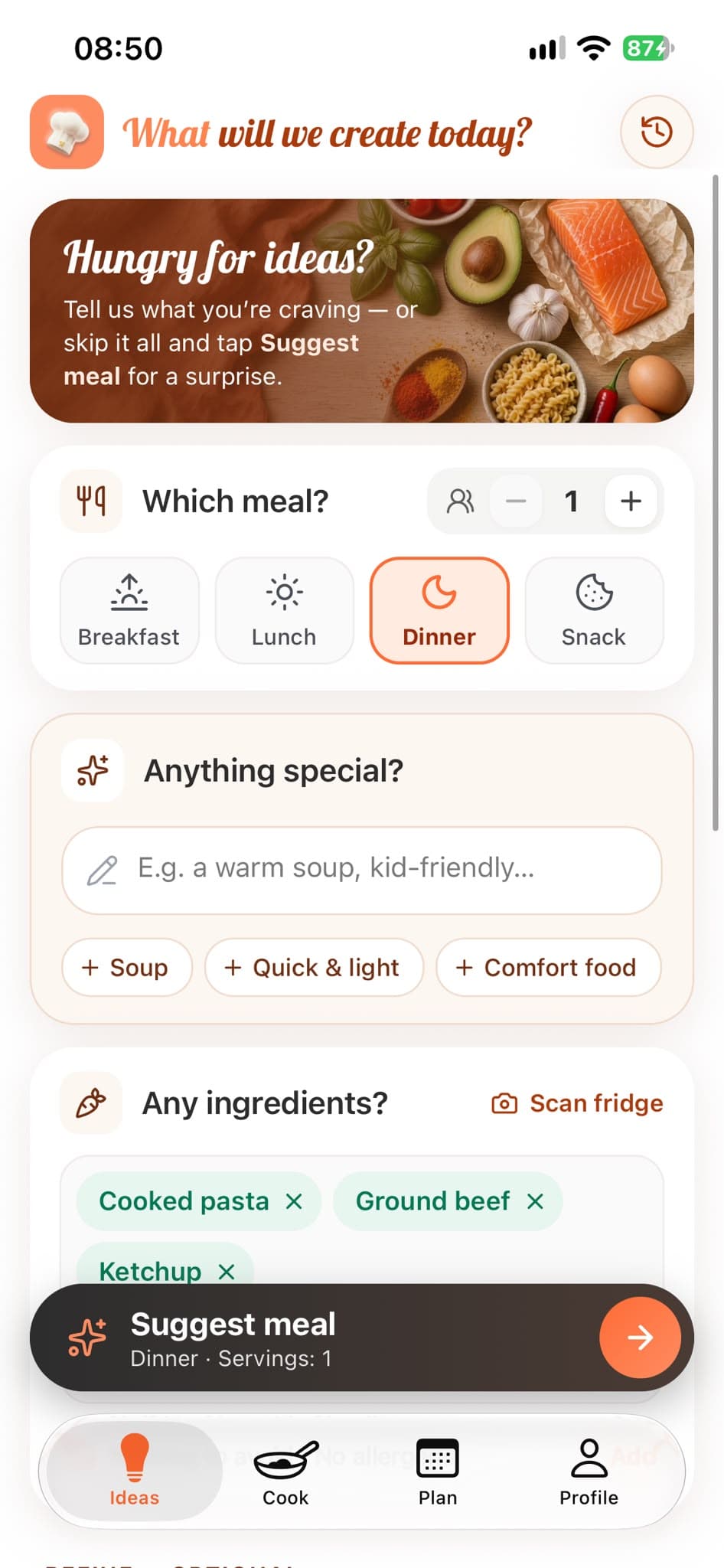
Tell us what you feel like eating
Tell the app what you feel like eating, or leave it blank and ask for a surprise. Choose breakfast, lunch, dinner, or a snack, and how many people you are feeding.
- Breakfast, lunch, dinner, or a snack
- Servings follow your household
- A note for the mood, such as spicy and quick
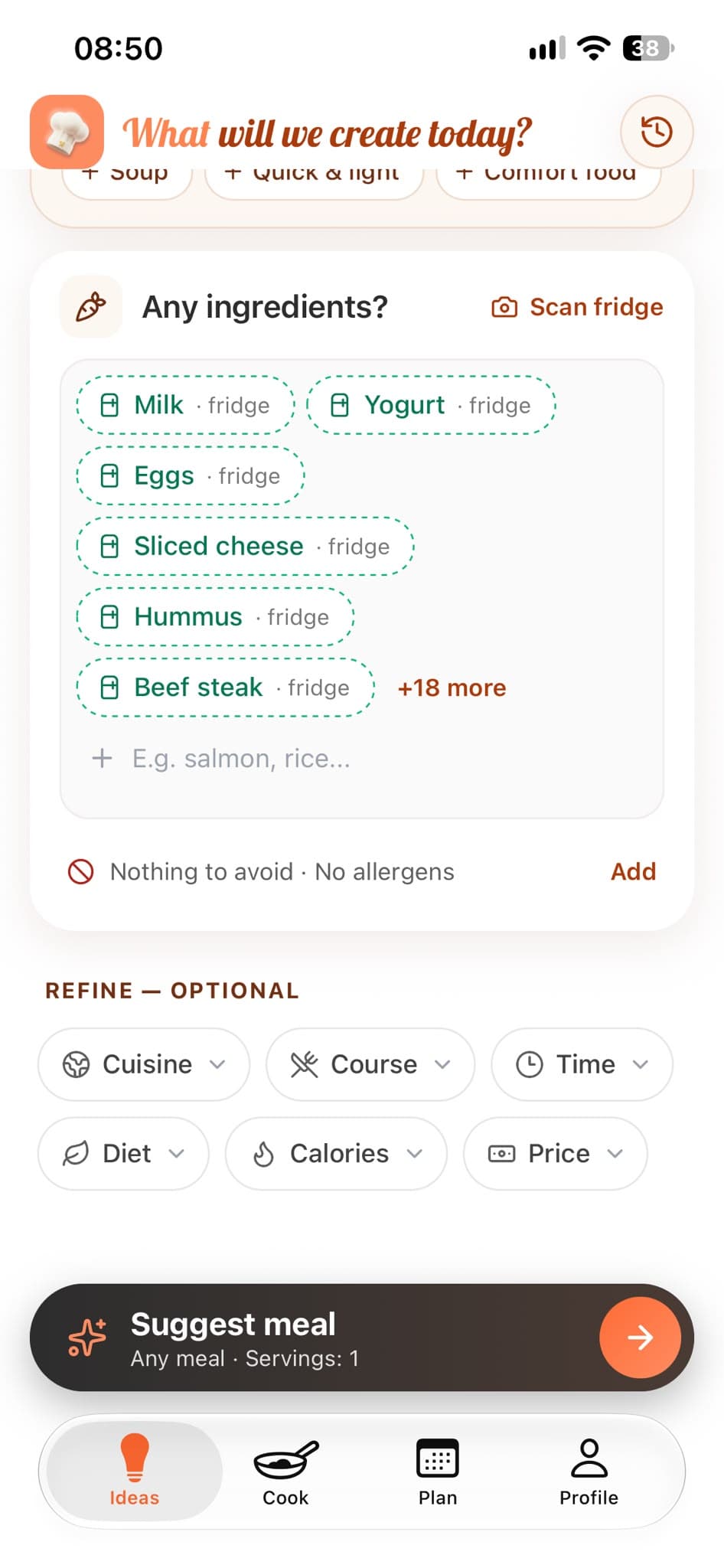
Find ideas with ingredients you already have
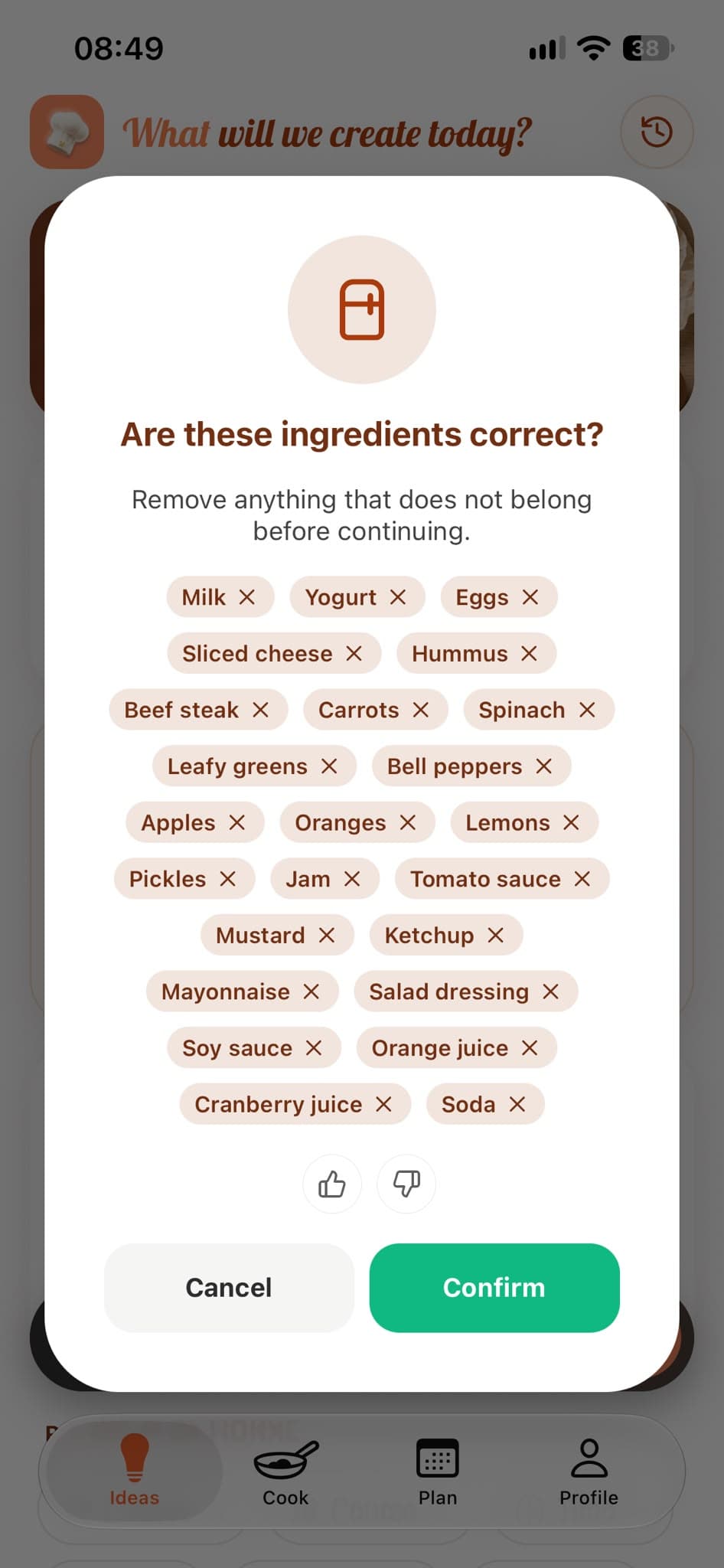
Start from the pantry, or photograph the fridge. You confirm what the photo found before those ingredients go into the ideas. Foods you avoid, and your allergens, stay out.
- Use the pantry
- Scan the fridge and confirm the list
- Leave out foods you avoid
Each one fits who is eating, what is already in the kitchen, and what you said you felt like.
Choose what fits your taste, time and budget
Narrow the ideas when you want to. Cuisine, how long you have, diet, calories, and price are all optional.
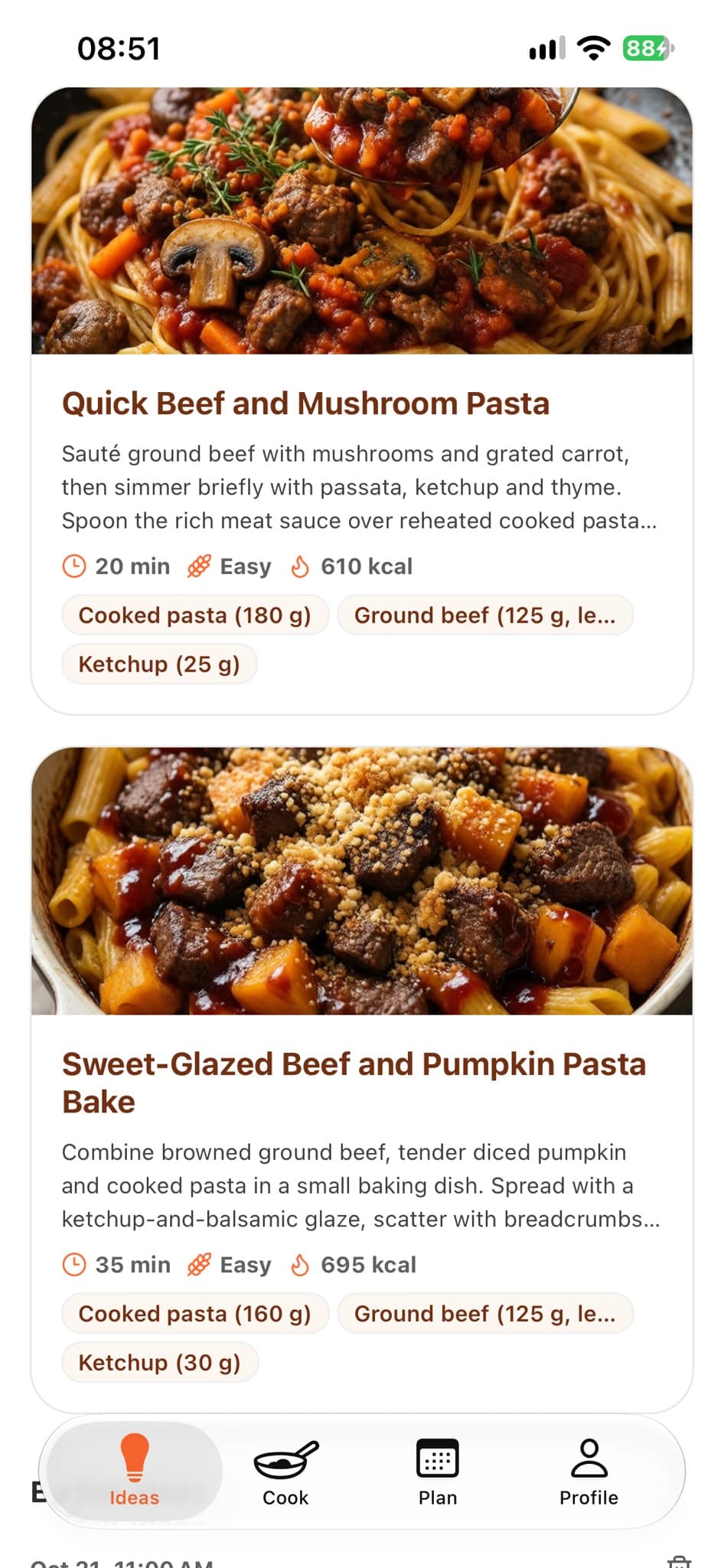
Get three meal ideas. Pick one for the recipe.
Generate, and you get three dishes made for you. Each one shows how hard it is and what goes in. Amounts and steps arrive when you ask for the recipe. Earlier ideas stay in a list, so you can come back to them.
- Three dishes, not a search page
- Show the recipe when you want the steps
- Earlier ideas stay until you remove them